Cloud DMA
Isolated memory access

At a glance
Key capabilities
What Cloud DMA focuses on before you open the full module list.
Plus 6 additional modules in the operator portal—see the full list below.
Overview
Hardware-isolated ROB RUN access
How this build fits ranked, Turbo, and patch-day workflows.
Cloud DMA routes ROB RUN visuals and aim modules through supported DMA hardware instead of injecting into the game process. The portal documents firmware steps, compatibility checks, and how to pair DMA with your ROB RUN license.
Use this product when you already run or plan to run a validated DMA setup. ROB RUN software features still require an active ROB RUN cheats license where applicable.
When to choose Cloud DMA
Pick Cloud DMA when you already operate supported DMA hardware and want ROB RUN ESP and aimbot data delivered outside the game process.
Modules
What's included
Every module and overlay shipped with Cloud DMA—toggle and tune in the operator portal.
- Cloud DMA firmware workflow
- Hardware compatibility scan
- ROB RUN ESP and aimbot over DMA
- Isolated overlay pipeline
- Portal setup walkthrough
- Discord engineering support
Experience
In the client · After you buy
Use the screenshots above for Cloud DMA—below is what each layer means and how access works after checkout.
In-game layers
- Layer A
Vehicle ESP & radar
Occupied vehicles, garage markers, and 2D radar filters.
- Layer B
Loot & stash ESP
Cash, weapons, and hideout highlights with distance caps.
- Layer C
Player ESP
Criminal, cop, and civilian tags with health bars and weapon readouts.
Guides
Learn more about Cloud DMA
Curated articles for setup, tuning, and patch-day checks that match this product.
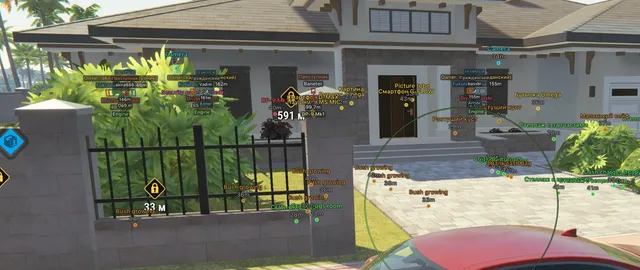
Hardware, firmware, and setup steps before pairing Cloud DMA with ROB RUN modules.
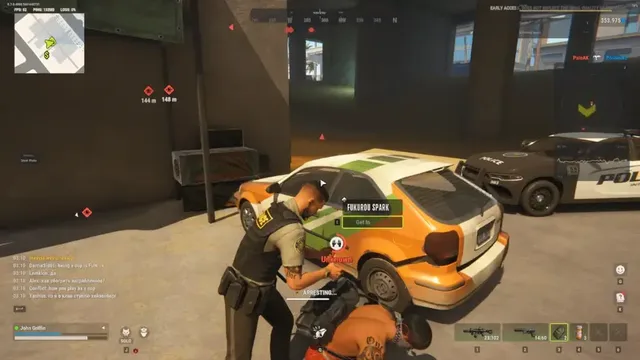
Overview of ROB RUN soft aimbot, player ESP, vehicle ESP, loot radar, 2D radar, and misc assists.
Configure criminal, cop, and civilian ESP colors, distance caps, and role tags without cluttering the screen.
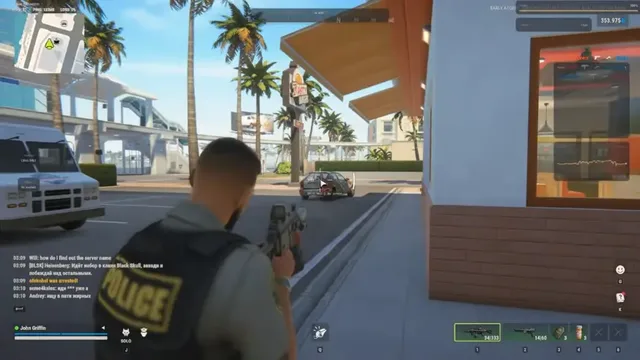
Tune aim key, FOV ring, bone selection, visible check, and target priority for PC sessions.
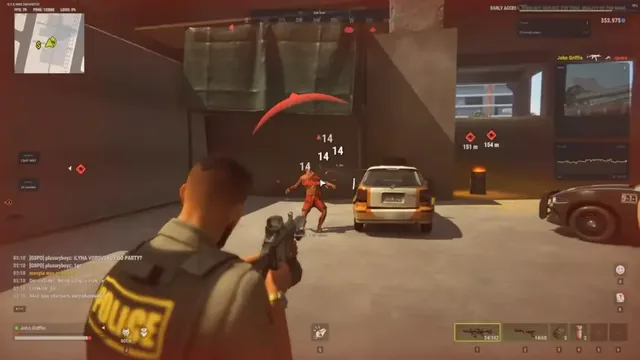
Filter cash, weapons, hideouts, and heist objectives on world ESP and 2D radar.
When to spoof disk and MAC identifiers, and how to verify before matchmaking.
FAQ
Straight answers before checkout.
Compatibility, bans, and access—no vague promises.